
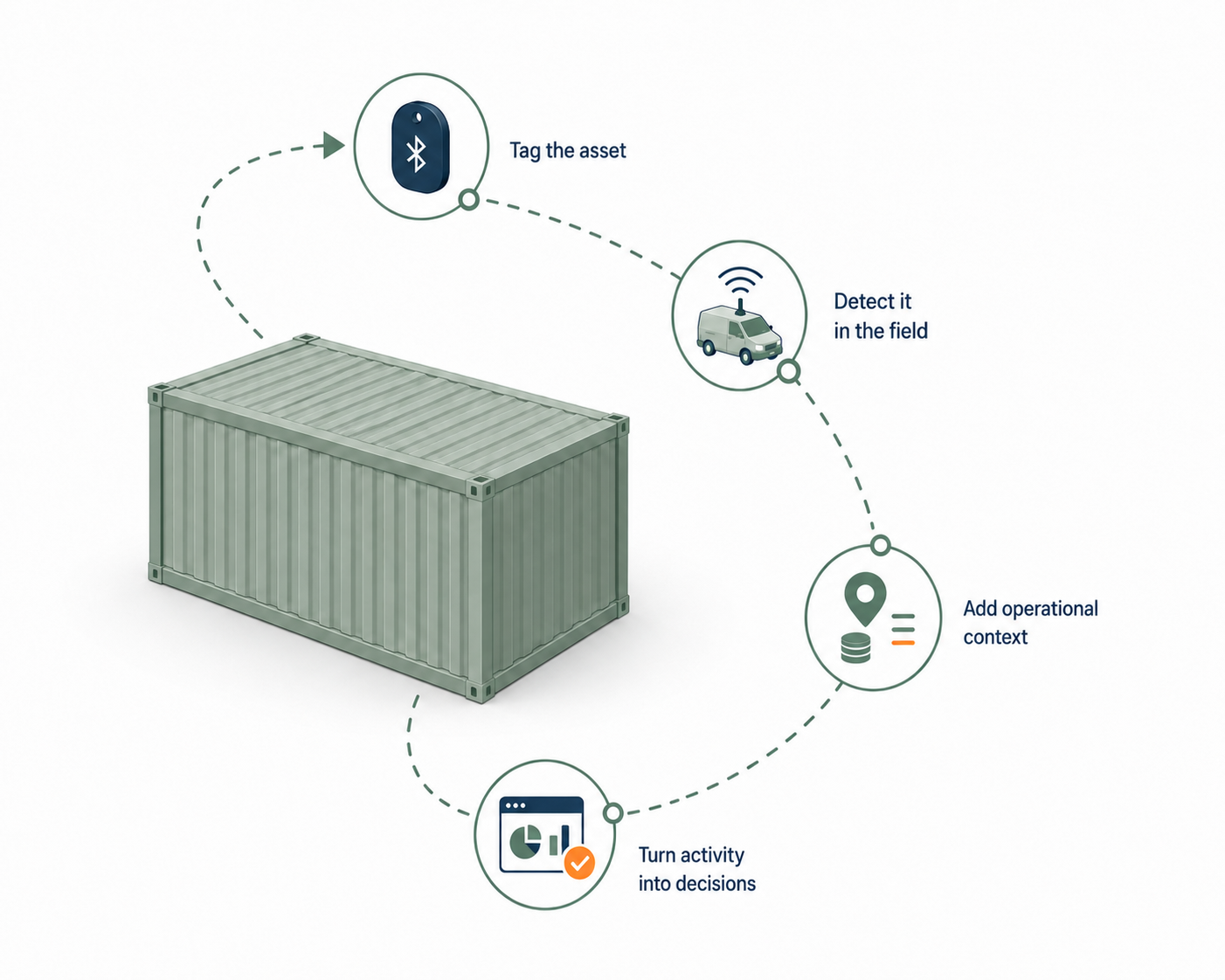
Tag the asset
Attach a low-cost Bluetooth tag to a skip, bin, toilet, container or other mobile industrial asset.
Trackio combines long-life Bluetooth tags, vehicle and fixed gateways, mobile tools and compatible external detection networks to create reliable asset and service records.
Trackio connects simple field hardware with operational software so every detection becomes part of a useful asset record.
Attach a low-cost Bluetooth tag to a skip, bin, toilet, container or other mobile industrial asset.
Vehicle gateways, fixed gateways, mobile devices or compatible external networks collect nearby Bluetooth detections.
Trackio matches detections to vehicles, customer sites, depots, routes and expected field activity.
Teams use asset history, service records, alerts and dashboards to manage equipment and verify work.
Trackio can combine privately deployed hardware, mobile tools and compatible external networks to increase the opportunities for tagged assets to be detected.
Detect tagged assets while service vehicles move through normal routes, depots and customer sites.
Provide consistent detection at depots, yards, entrances and other important operating locations.
Allow field teams to register, scan and verify nearby tagged assets using supported Android devices.
Compatible external Bluetooth networks can provide additional detections without privately installed gateways.
Availability depends on compatible hardware and network coverage in the operating area.
Follow an asset from field detection through to site context, service verification, alerts and operational reporting.
Review when and where assets were last observed across the detection network.
Match asset activity to sites, routes, vehicles and expected service events.
Surface missing assets, service exceptions and underused equipment.
Supported Android devices can be used to register tags, run stock checks and search for assets when teams are working on-site.
Associate new Bluetooth tags with assets during deployment or replacement.
Scan nearby assets and create a practical record of what is present at a location.
Use nearby Bluetooth detections to help locate tagged equipment during a field visit.
Scan mode
18
Tags found at this site